Core concepts
Automate daily tasks, Use AI assistants
Work Smarter, Not Harder
Small automations. Big freedom.
Tip: Every focus item, infographic node and glowing dot on the flyer can be clicked.
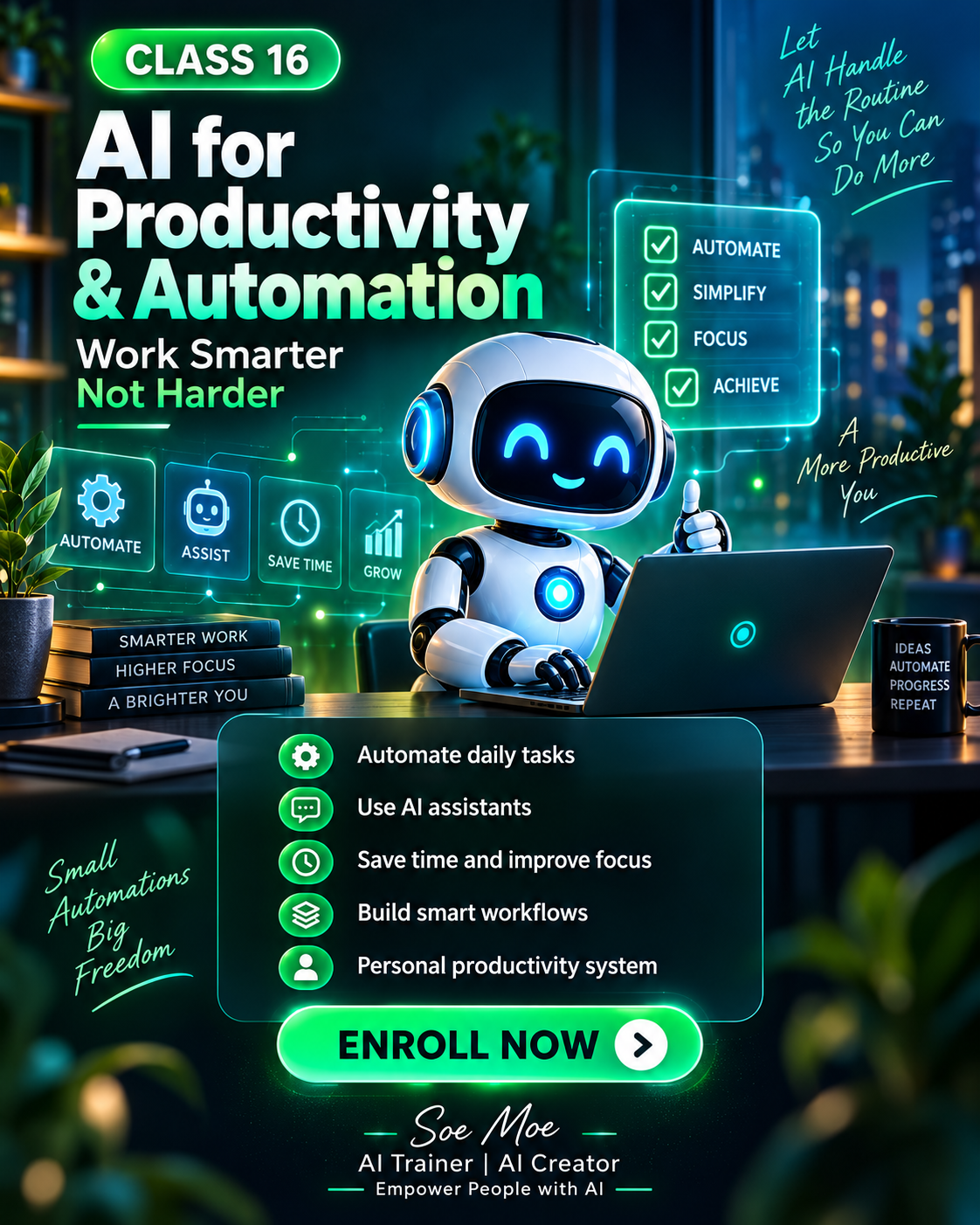
The flyer design is preserved as the visual anchor, while the web version turns its ideas into clickable information, practical details and a clear learning path.
Automate daily tasks, Use AI assistants
Save time and improve focus, Build smart workflows
Personal automation system + smart task workflows + AI assistant playbook.
Move through the modules from foundation to application. Click any node to reveal its infobox.
Each topic is a clickable web component rather than static flyer text, making the page easier to explore on desktop and mobile.
Click to open the detailed explanation, practical use and learning purpose.
Click to open the detailed explanation, practical use and learning purpose.
Click to open the detailed explanation, practical use and learning purpose.
Click to open the detailed explanation, practical use and learning purpose.
Click to open the detailed explanation, practical use and learning purpose.
Personal automation system + smart task workflows + AI assistant playbook.